
Home / Live demo
Explore every role in the live demo.
The demo runs the real DejaVue HealthGrid app on synthetic data for Visiting Angels Kansas City. Sign in with the test account your DejaVue contact gave you, or request access.
How to sign in
A username and a password
1. Open sign-in
Use Sign in at the top of any page, or one of the Start here links below.
2. Enter your details
Type the username and password of your test account. Each role has its own account.
3. Forgot it?
Choose Forgot password? to get a reset link by email, or ask us for a temporary password.
What to try
One account per role
| Role | Try this | Start here |
|---|---|---|
| Super Admin | Platform dashboard, organizations, subscriptions and MRR, compliance, the website editor. | Console |
| Administrator | The CareMatch™ Staffing Command Center, applicants, analytics, reports. | Command Center |
| Care coordinator | SmartShift Live Response Center: report a call-out and confirm a replacement. | Live Response |
| Caregiver | SmartShift offers waiting, availability switch. | My offers |
| Provider | Clinical review and Video Visits: schedule and start a visit. | Video Visits |
| Senior | Senior dashboard with larger text, daily check-in, join a video visit. | Dashboard |
| Family | Family Access for a loved one: status, updates, appointments. | My loved one |
Try a SmartShift round trip. As the coordinator, use Report a call-out on an assigned shift. Then sign in as the caregiver in a private window to answer the offer, and back as the coordinator to confirm.
Try a video visit with two people. Use two browsers (or a normal and a private window): the provider starts the visit, the senior joins from the dashboard. Allow camera and microphone when asked.
Demo data is synthetic and may be reset at any time. Never enter real personal or health information. Developers can browse the interactive API reference.
Product tour
Prefer to watch first?
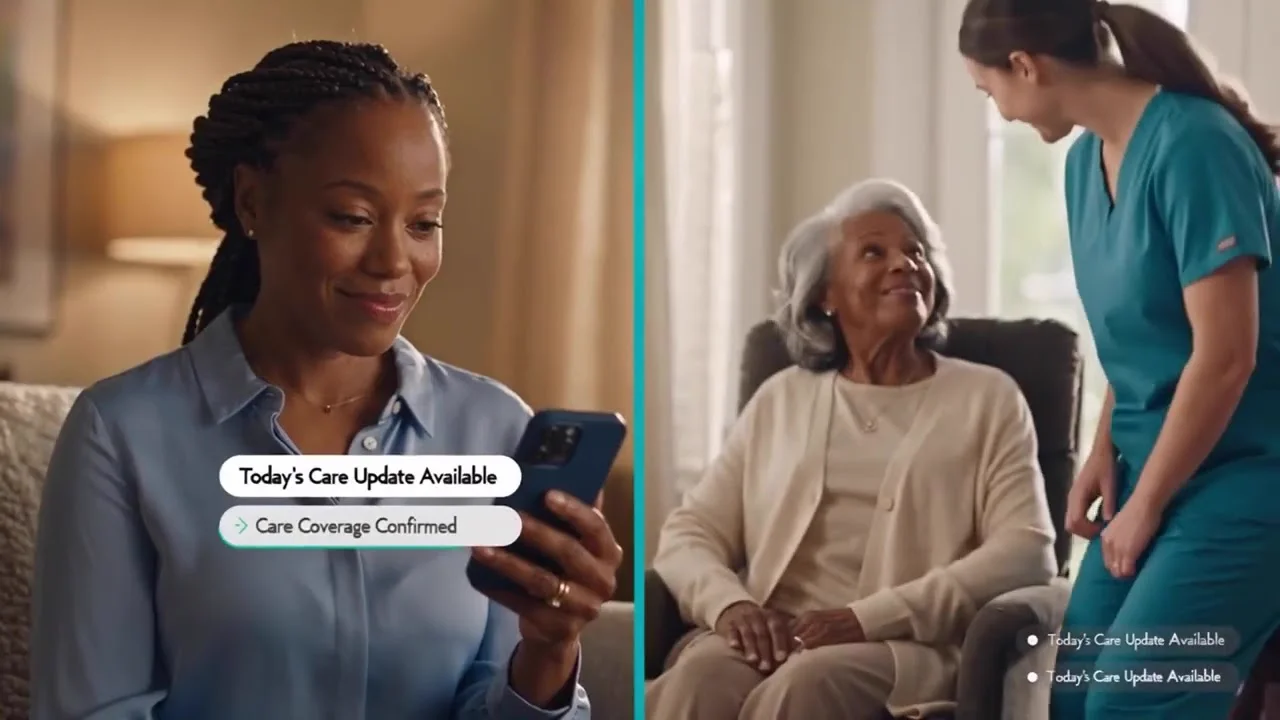
Want a guided walkthrough instead?
Our team will tailor a demo to your agency's roles and workflows.